It was recently announced in Cloud Next 2022 that Google Data Studio is unified with another BI tool, Looker. With that said, Data Studio has already changed its icon to the new Looker Icon. Also, all existing Google data analytics programs will be included in the Looker

One of the important features is Looker’s semantic data modeling capability. Looker Studio will support data models from Looker and allows us to work with the Looker modeling layer to combine data sources, that are now in Preview.
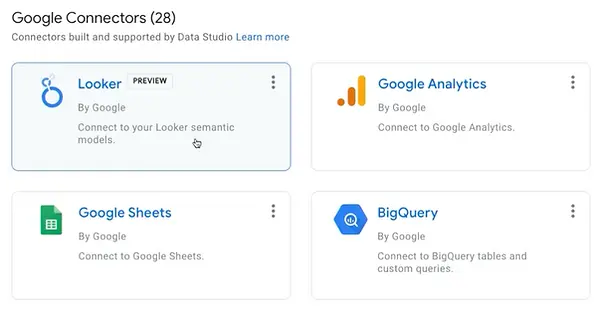
As Google explains, Looker Studio is “deeply integrated with core cloud infrastructure services, such as key security and management services.” Not only that, but Google is also launching a preview of Looker integration with Google Sheets and plans to support visualization tools like Salesforce’s Tableau and Microsoft’s Power BI.
Google will be also launching Looker Studio Pro for more advanced users which will include enterprise management features with Dataplex and team collaboration. This Pro model is specifically designed for bigger companies with many employees.
Conclusion
With Google Cloud and Google’s connected ecosystem and vast data products with Looker, you can use the best-in-class technology to power your business in completely new ways.
Further Links
Check out our LinkedIn account, to get insights into our daily working life and get important updates about BigQuery, Data Studio, and marketing analytics
We also started with our own YouTube channel. We talk about important DWH, BigQuery, Data Studio, and many more topics. Check out the channel here.
If you want to learn more about how to use Google Data Studio and take it to the next level in combination with BigQuery, check out our Udemy course here.
Have trouble setting up an ETL Pipeline on Y42 or if you are looking for help to set up a modern and cost-efficient data warehouse or analytical dashboards in general, send us an email at hello@datadice.io and we will schedule a call.